 PostEase
GuidesPublished Updated
Does the inbox update automatically?
New comments sync in on a 5-minute schedule; once they land, the inbox updates on its own. No refresh, no lost place in a thread.
where this happens in the app
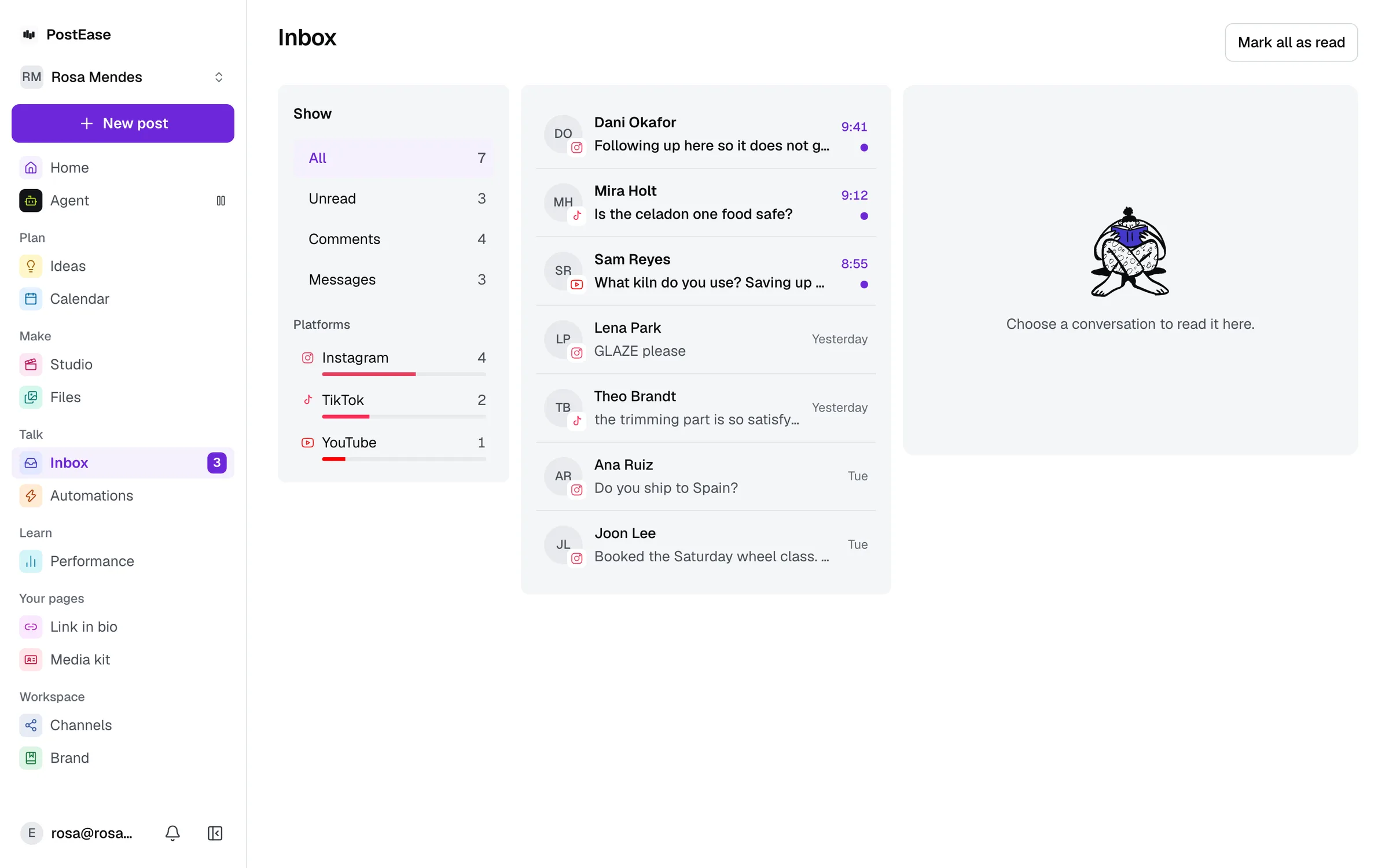
1. New comments are pulled in every 5 minutes
A background sweep checks each connected channel for new comments and DMs on a 5-minute schedule. It isn't instant from the platform's side, and isn't meant to be. Comments aren't as time-critical as a scheduled publish, so a short poll is enough.
2. Once it's in your inbox, it's instant
From the moment a new item lands in PostEase's own database, an open inbox screen updates on its own. No manual refresh, and no losing your place in a thread you already had open.
DODani Okafor@dani.okafor
Comments
Ordered on the 2nd and it still says processing. Can someone check?
DMs
Following up here so it does not get buried — order number 8841.
MRMarta Ruizmarta-ruiz
Comments
We moved nine channels over last month. The calendar alone was worth it.
DMs
Does this work if I run two separate brands from one account?
kkev_builds@kev_builds
Comments
The link in the caption 404s.
DMs
None from this account yet.
The sample threads above illustrate how the inbox behaves once a comment or DM has synced in. Inbox sync covers YouTube, Bluesky and WordPress today. Publishing has expanded to more platforms than that, and comments and DMs from the rest don't sync into the inbox yet.
Keep reading
- How to disconnect a channel
Remove a connected account: what happens to the posts scheduled to it, and where PostEase revokes its own access versus where you remove it yourself.
- What permissions connecting YouTube asks for
Four Google scopes: upload, read-only channel access, comment replies, and read-only analytics. Nothing broader than Google’s consent screen names.
- Does my channel connection expire?
It renews itself automatically every 15 minutes, well before the old token would expire. You only hear from us if a renewal fails.
- Use the PostEase API
Create, schedule and read posts, the inbox and media from your own code with a Pro plan token: every route, the response shape and the errors.
- How to handle negative comments on social media
- Social media engagement: the complete guide
- What is a social media inbox?
See a reply without hunting for it across nine tabs.
Every channel you have, included. Adding another does not change the price.