 PostEase
Schedule Pinterest with everything else.
Pin to the board you choose, on time, and see what Pinterest reports, next to your other channels. One of 7 platforms live today.
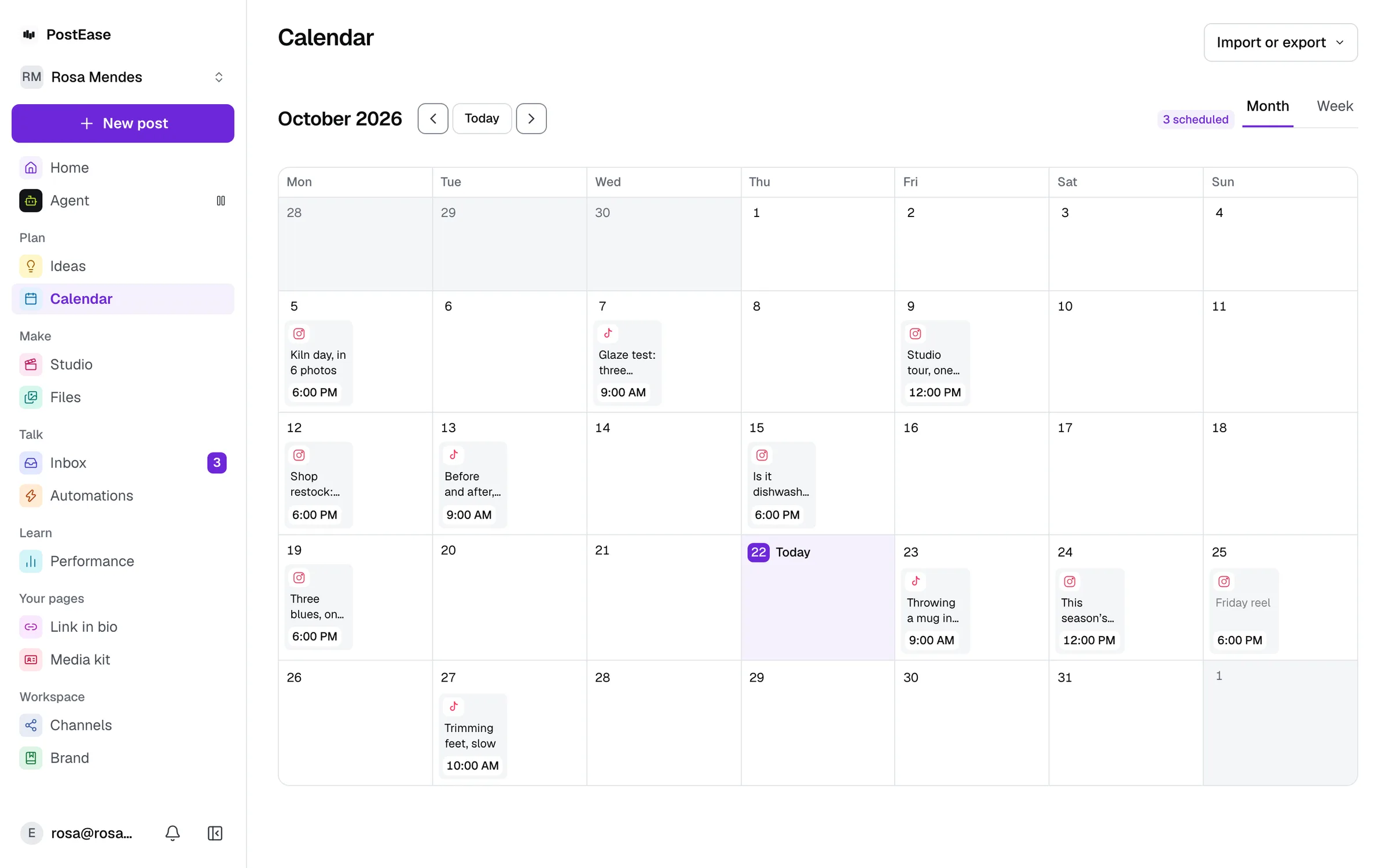
your Pins, on the same calendar
What works on Pinterest today.
Exactly what is live, and what is not yet.
Publishing: Included
Scheduled from the same calendar as every other channel.
Metrics: Included
What Pinterest reports for each post, passed through as-is.
Inbox: Not yet
Comments and messages, filed under the person who wrote them.
Pick a time and a board. It publishes then.
Every Pin needs a board. Pick one from your account's boards in the composer, or leave it and the Pin goes to your first board automatically.
Impressions and comments, as Pinterest reports them.
Pinterest has no 'like' metric, so there are two numbers here rather than three. Its analytics cover a trailing 90 days, not a Pin's full lifetime, so an older Pin reads lower here than its real total.
| Pin | Impressions | Comments |
|---|---|---|
| Three things we got wrong in Q1 | 9,800 | 12 |
| How we price without a channel limit | 3,100 | 3 |
| Office hours: Feb 18 | 420 | 0 |
Start free. Every channel, on every plan.
Upgrade inside the app when you want Studio, Ideas or Automations.
Every channel, on every plan
- Free$0 a month
- Creator$19 a month
- Pro$39 a month
- AgentOpening soon
Every new account starts with 14 days of Creator, then moves to Free. No card.
YouTube, X, LinkedIn (personal profile), Pinterest, Bluesky, WordPress, and TikTok publishing are live today; Instagram, Facebook, and Threads are pending each platform's own API approval.
Questions
Can I schedule Pinterest Pins with PostEase?
Yes. Pick a time and a board, and the Pin publishes then.
Can I choose which board a Pin goes to?
Yes. Pick one from your account's boards in the composer. If you don't pick one, the Pin goes to your account's first board.
Do the Pinterest metrics cover the same time range as YouTube and X?
No. Pinterest's own analytics only cover a trailing 90 days, not the Pin's lifetime, so a Pin older than that will under-report relative to how it performed. This is Pinterest's own API limit, not something PostEase adds on top of it.
What about Instagram and the other platforms?
Instagram, Facebook, and Threads are pending each platform's own API approval. YouTube, X, LinkedIn (personal profile), Pinterest, Bluesky, WordPress, and TikTok are live.
Is the Pinterest scheduler free?
Yes. The Free plan schedules 10 posts a month across every channel, Pinterest included, with no card. Drafts do not count. Creator, at $19 a month, removes the limit.
Is there a limit on how many Pinterest accounts I can connect?
No. No plan limits how many channels you connect, the free one included.
Reading on Pinterest
When to post, what Pinterest rewards, and the specs, from the blog.
- What is a Pinterest Pin?
A Pin is a single image or video post on Pinterest, saved to boards. The parts of a Pin, Pinterest’s specs and limits, drafts, scheduling and what you can edit.
- What is a Pinterest business account?
A Pinterest business account is a free, public account with analytics, ads and scheduling. How it differs from a personal account, and how to convert one.
- What is a Pinterest board?
A Pinterest board is a named collection of Pins. How public, private and group boards differ, how to plan boards for a business, and posting to one.
- What is a Pinterest Rich Pin?
A Rich Pin pulls details from your site, such as an article’s headline or a product’s price, and keeps them in sync. The three types, and how to set them up.
- What is Pinterest Trends?
Pinterest Trends is Pinterest’s tool for what people search and save, up to two years back. What each view shows, how its graph is scaled, and how to use it.
- What is Pinterest Predicts?
Pinterest Predicts is Pinterest’s yearly forecast of rising trends, drawn from its search data. How it is made, what the 2026 edition says, and how to use it.
- What is Pinterest Analytics?
Pinterest Analytics shows how your Pins perform: impressions, saves, clicks, outbound clicks and video plays. What each metric means and which filters matter.
- Best time to post on Pinterest
On Pinterest, when you pin matters less than on any feed: Pins are shown by engagement and topic, not date. When to pin, how early for seasons, how often.
- Pinterest content ideas when you’re out of ideas
Twenty Pinterest Pin ideas sorted by pillar and built to be saved: why saves are Pinterest’s strongest signal, searchable topics, and a weekly rhythm.
- How the Pinterest algorithm actually works
Pinterest shows Pins by engagement and topic, not by date, and saves are the strongest sign. How the home feed and search choose Pins.
- How to schedule Pinterest Pins
Pinterest business accounts schedule Pins up to 30 days ahead, 10 at a time. What you can change after, the sizes to use, and when a scheduler helps.
- How often should you post on Pinterest?
At least once a week, every week, and more when each Pin is fresh and good. Why the old “15 to 25 Pins a day” advice no longer holds, and what to do instead.
- Pinterest Pin size and specs in 2026: images, video and text
Image Pins at 2:3, 1000 × 1500, up to 20 MB; video Pins 4 seconds to 5 minutes; titles up to 100 characters and descriptions up to 800. From Pinterest.
Connect an account. Your posts are already there.
About a minute. Your Pinterest posts arrive with everything else.
Start free