 PostEase
Schedule LinkedIn with everything else.
Post to your personal profile on time, checked against LinkedIn's limit, from the same calendar as your other channels. One of 7 platforms live today.
your profile posts, on the same calendar
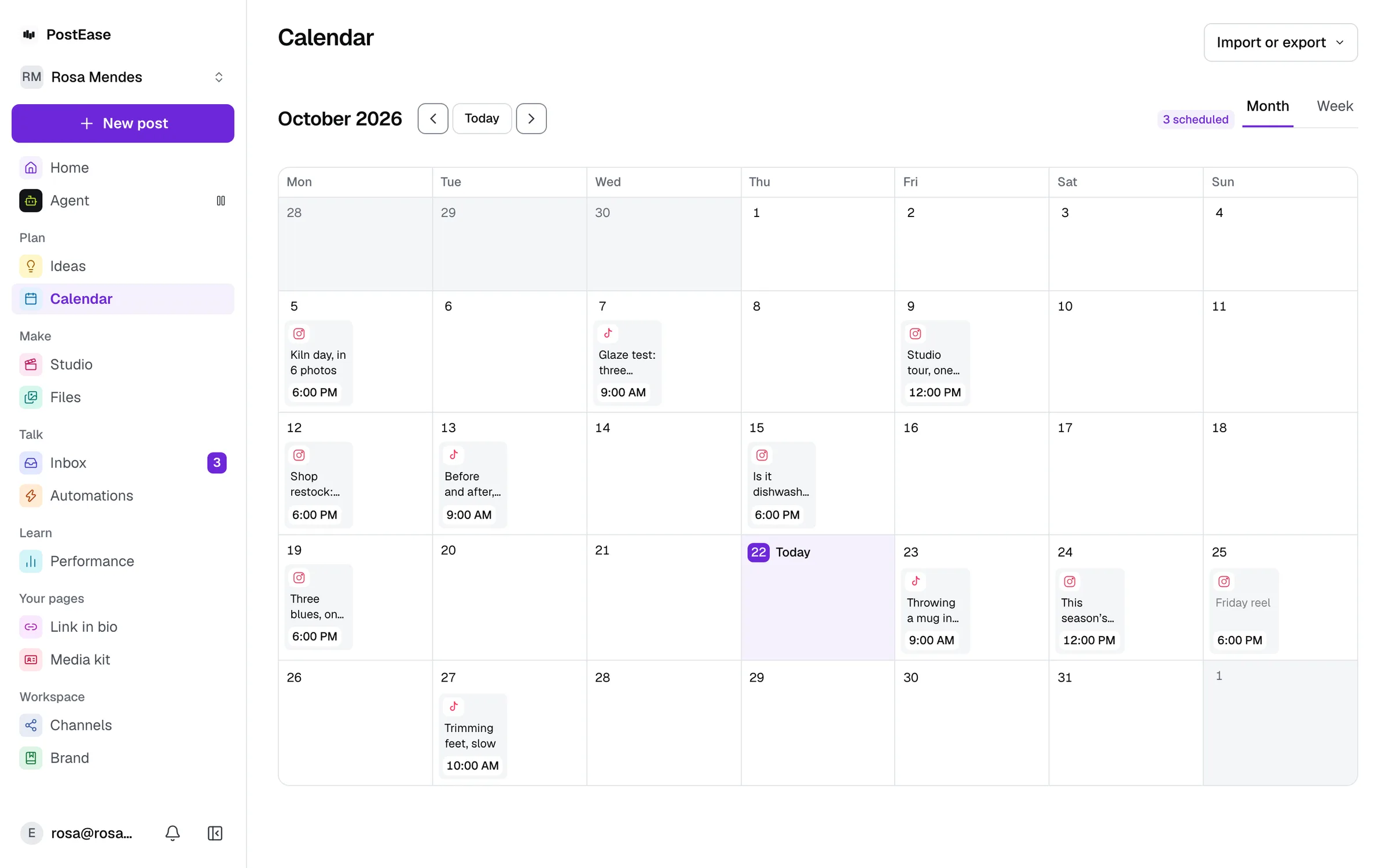
What works on LinkedIn today.
Exactly what is live, and what is not yet.
Publishing: Included
Scheduled from the same calendar as every other channel.
Metrics: Not yet
What LinkedIn reports for each post, passed through as-is.
Inbox: Not yet
Comments and messages, filed under the person who wrote them.
Your personal profile, not your company Page
Posts go out as you, not as a company or organization Page. Page posting needs LinkedIn's Marketing Developer Platform partner program, a separate application this doesn't include today.
Pick a time. It posts then.
Caption up to 3,000 characters, checked against LinkedIn's limit before you schedule. Photos and video attach in the composer.
Start free. Every channel, on every plan.
Upgrade inside the app when you want Studio, Ideas or Automations.
Every channel, on every plan
- Free$0 a month
- Creator$19 a month
- Pro$39 a month
- AgentOpening soon
Every new account starts with 14 days of Creator, then moves to Free. No card.
YouTube, X, LinkedIn (personal profile), Pinterest, Bluesky, WordPress, and TikTok publishing are live today; Instagram, Facebook, and Threads are pending each platform's own API approval.
Questions
Can I schedule LinkedIn posts with PostEase?
Yes. Pick a time and the post goes out then, with no need to open LinkedIn to publish it.
Can I post to my company Page, not just my personal profile?
Not yet. The connection is scoped to your own personal profile. Posting to a company Page needs LinkedIn's separate Marketing Developer Platform partner program, which is a slower, separate application.
Can I attach photos and videos to a scheduled LinkedIn post?
Yes, the same way as posting manually. Image and video uploads both work.
Can I see LinkedIn engagement numbers in PostEase?
Not yet. Reading engagement data back requires a LinkedIn permission that isn't granted to self-serve apps like this one, so there's no native-metrics passthrough for LinkedIn the way there is for YouTube, X, and Pinterest.
What about Instagram and the other platforms?
Instagram, Facebook, and Threads are pending each platform's own API approval. YouTube, X, LinkedIn (personal profile), Pinterest, Bluesky, WordPress, and TikTok are live.
Is the LinkedIn scheduler free?
Yes. The Free plan schedules 10 posts a month across every channel, LinkedIn included, with no card. Drafts do not count. Creator, at $19 a month, removes the limit.
Is there a limit on how many LinkedIn accounts I can connect?
No. No plan limits how many channels you connect, the free one included.
Reading on LinkedIn
When to post, what LinkedIn rewards, and the specs, from the blog.
- Best time to post on LinkedIn in 2026
A weekday, late morning to late afternoon, in your audience’s time zone. Weekends are the worst. What three studies found, and how to test your own slots.
- How often should you post on LinkedIn?
Two to five times a week to grow steadily, more if the quality holds. What Buffer’s 2 million LinkedIn posts show, and what others recommend.
- What to post on LinkedIn as an individual: 20 ideas
What to post on LinkedIn from a personal profile: twenty ideas by pillar, which formats earn most in 2026 (document carousels lead), and a weekly rhythm.
- What is a LinkedIn newsletter?
A LinkedIn newsletter is a series of articles readers subscribe to, with a notification and email for each edition. Who can start one and how it works.
- What is a LinkedIn document post?
A LinkedIn document post shares a PDF or slide deck that readers swipe through, often called a carousel. Its limits, how to post one, and how it performs.
- What is LinkedIn Live?
LinkedIn Live streams video to your profile or Page through a broadcast tool. Who qualifies, how events and reminders work, and the limits on stream length.
- What is a LinkedIn Event?
A LinkedIn Event is a page for an online or in-person event that people attend. Who can create one, the 1,000-a-week invite limit, reminders and live streams.
- What are LinkedIn creator analytics?
LinkedIn creator analytics show how your posts perform and who follows you. Where to find them, what each shows, and how long they last.
- What is LinkedIn creator mode?
LinkedIn removed the creator mode switch in 2024 but kept most of what it did. What changed, what stayed, and how to set Follow as your profile’s main button.
- What is a LinkedIn Top Voice?
LinkedIn Top Voices are members invited to carry a blue badge for their expertise. How they are chosen, how long it lasts, and nominations.
- What is a LinkedIn Page?
A LinkedIn Page represents an organisation, while a profile represents a person. How Pages differ from profiles, the admin roles, and how to create one.
- What is a LinkedIn Showcase Page?
A LinkedIn Showcase Page spotlights a brand, unit or initiative under a parent LinkedIn Page, with its own followers. Limits, features, how to create one.
- How the LinkedIn algorithm actually works
LinkedIn filters, tests and ranks each post on who stops, reads, comments and saves, starting with your connections. What LinkedIn says, and what it means.
- How to schedule LinkedIn posts
LinkedIn schedules profile posts from 10 minutes to 3 months ahead, and Page posts from an hour. What cannot be scheduled, and when a scheduler helps.
- LinkedIn post specs in 2026: character limit, images and video
Posts up to 3,000 characters (articles 125,000), up to 20 images, video up to 15 minutes and 5 GB, from 1:2.4 to 2.4:1. Every figure from LinkedIn’s Help.
Connect an account. Your posts are already there.
About a minute. Your LinkedIn posts arrive with everything else.
Start free