 PostEase
A free link in bio that keeps itself current.
One page at your own address with your links, your newest posts and a countdown to the next one. It lives in the tool you post with, so it changes when you post.
Rosa Mendes
Mugs, bowls and glaze tests from a one-person studio in Porto.
- Shop the restock
- Glaze list
- Book a wheel class
- Watch the studio tour
Everything a bio link needs, on one page.
Add what you need and leave the rest out.
Links
Up to 20, each with its own label and picture, as a list, a grid or a featured link.
Your newest posts
Read from the channels you connect, so the page shows what you posted this week without you touching it.
A countdown to your next post
Counts down to whatever is next on your calendar, or to a date you choose.
An email signup
Visitors leave their email address, and every signup is listed in PostEase.
Message me
A short form whose messages arrive in your PostEase inbox, next to your comments and DMs.
Booking
Your Calendly or Cal.com calendar, opened on the page.
Music, video and events
Spotify, Apple Music, Apple Podcasts and SoundCloud players, videos, and events visitors can add to their calendar.
Text, questions and a map
A few lines about you, answers to what people ask, and where to find you.
Post as usual. The page keeps up.
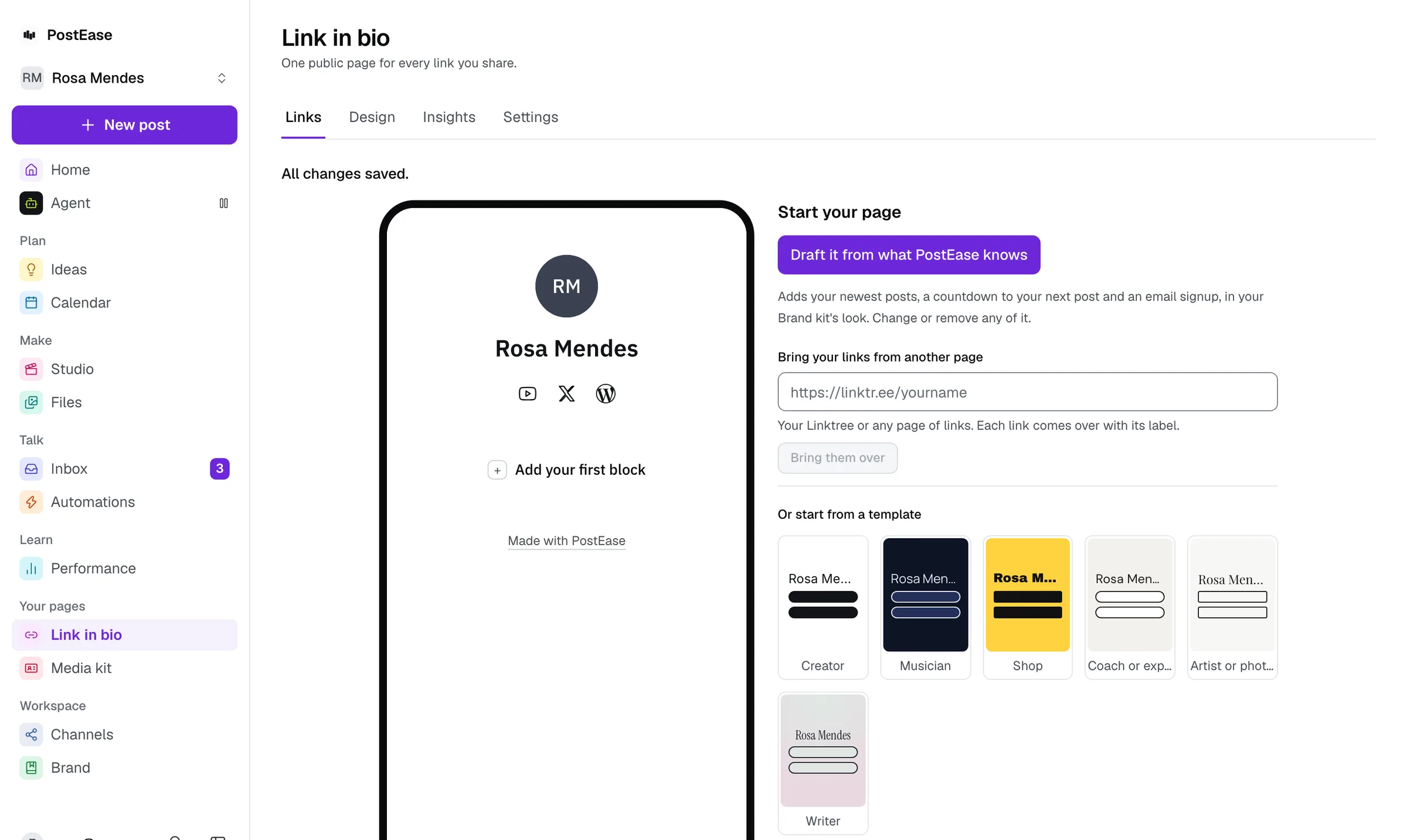
Other link pages are one more app to update every time you post. This one reads your channels and your calendar, so your newest posts and your next one are on it without a visit to the editor. Start it with one click from what PostEase already knows about you, or bring your links from Linktree.
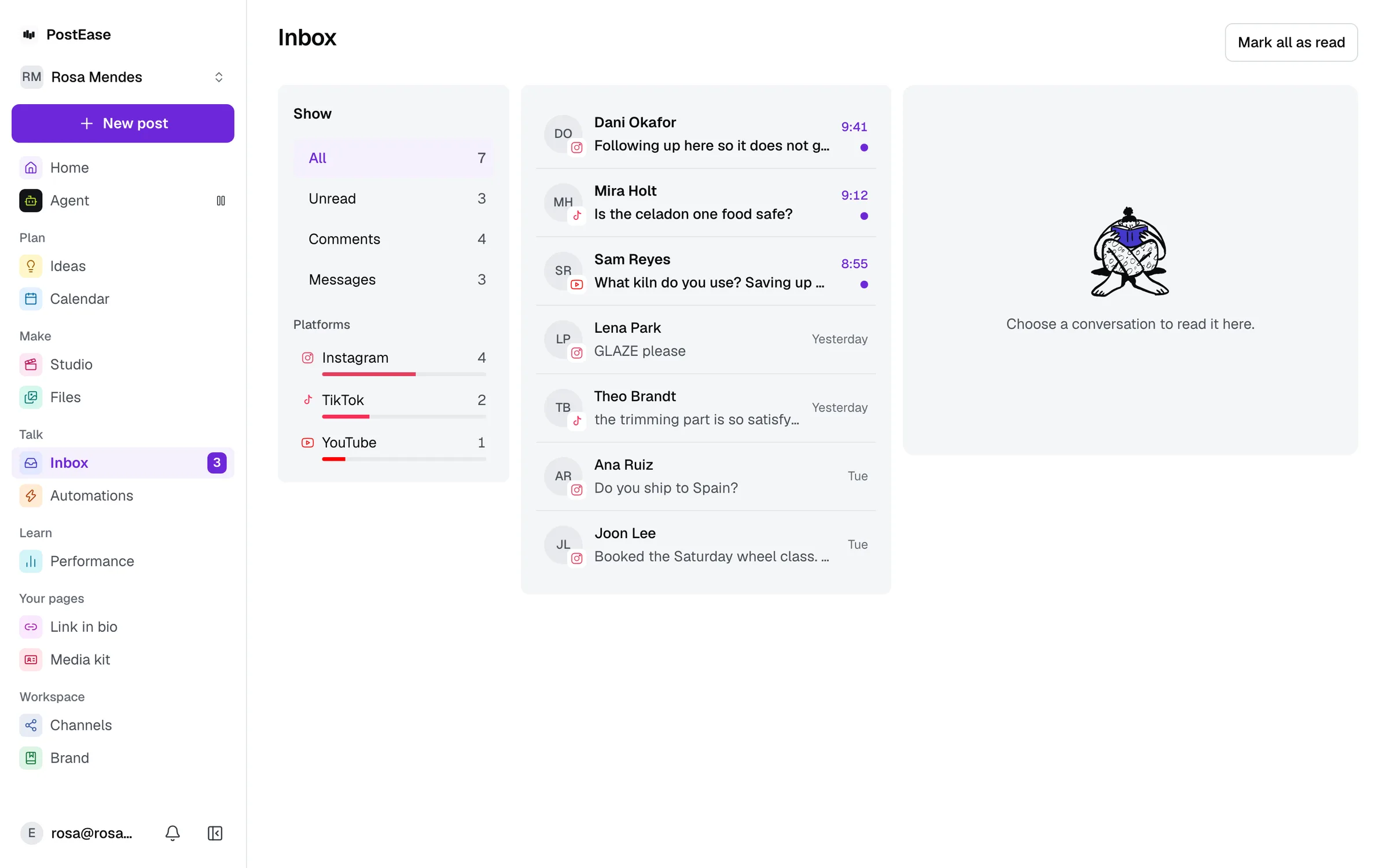
Messages and signups land where you already work.
A message left on your page arrives in your PostEase inbox, beside the comments and DMs from your channels, and it counts in the same unread badge. Signups are listed in PostEase, and the weekly digest tells you how many came in.
See which links get clicked.
Views and clicks for the page and for each link, by day, with where visitors came from, compared with the period before. It counts, and it does not follow anyone: no cookies, no visitor IDs.
Coming from Linktree? Paste your address.
Each link comes over with its label, and your bio and social accounts with it. Any page of links works the same way. Your Linktree stays as it is until you change your bio.
Free on every plan.
Free includes the page with a small “Made with PostEase” badge. Creator, at $15 a month, removes the badge and adds the media kit, which shares the page’s address and look. Linktree lists removing its branding with its Premium plan.
Every channel, on every plan
- Free$0 a month
- Creator$15 a month
- Pro$35 a month
- AgentOpening soon
Every new account starts with 14 days of Creator, then moves to Free. No card.
Reading on link-in-bio pages
What goes on one, what to write above it, what its clicks tell you, and how other tools compare, from the blog.
Questions
Is the PostEase link in bio free?
Yes. Every plan includes it, Free too, with a small “Made with PostEase” badge at the bottom. Creator, at $15 a month, removes the badge and adds the media kit.
Can I move my links over from Linktree?
Yes. Paste your Linktree address when you start your page and each link comes over with its label, along with your bio and social accounts. Any page of links works the same way.
What address does my page get?
postease.co/ followed by the name you choose, which you can put in your Instagram, TikTok, YouTube or any other bio. A QR code for it is one click away.
Does it track my visitors?
It counts views and clicks, per link and by where visitors came from, and nothing about who they are: no cookies and no visitor IDs.
How many links can I add?
Up to 20 links, plus blocks such as your newest posts, an email signup, a booking calendar, music and video.
Can it look like my brand?
Yes. It starts in your Brand kit’s colours and type, and you can pick from a set of looks and templates, then change its colours, buttons and type.
Your page, already filled in.
Connect an account and draft the page from your own posts in one click. Free.
Start free