 PostEase
Schedule X with everything else.
Post on time, checked against X's 280, and see what X reports for each post, next to your other channels. One of 7 platforms live today.
your posts, on the same calendar
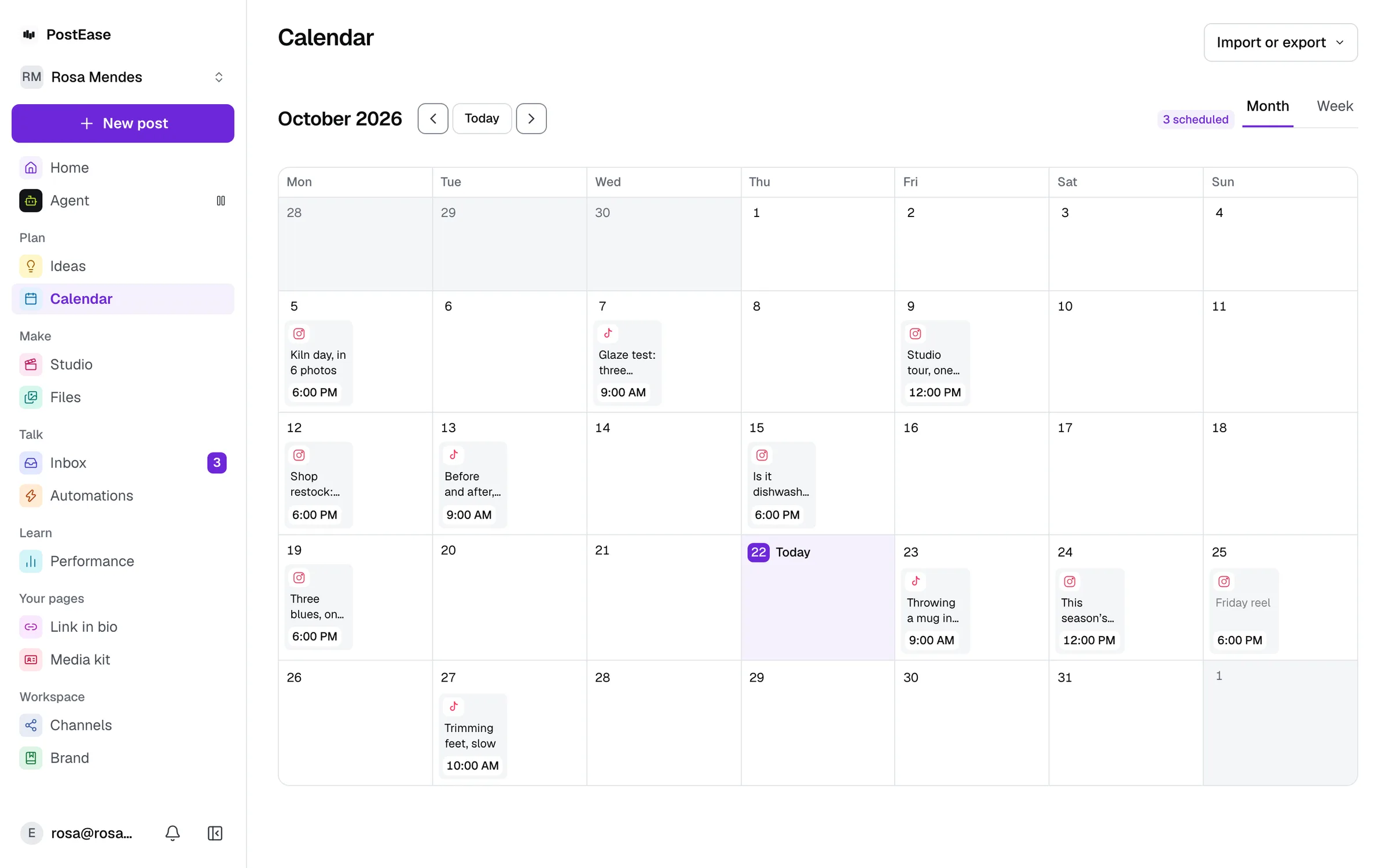
What works on X today.
Exactly what is live, and what is not yet.
Publishing: Included
Scheduled from the same calendar as every other channel.
Metrics: Included
What X reports for each post, passed through as-is.
Inbox: Not yet
Comments and messages, filed under the person who wrote them.
One caption, checked against X's 280 before it goes.
Photos and video attach in the composer, and upload with the post.
Pick a time. It posts then.
A post is public the instant it publishes.
Impressions, likes, and replies, as X reports them.
Nothing invented, including the post that did not perform.
| Post | Impressions | Likes | Replies |
|---|---|---|---|
| Three things we got wrong in Q1 | 12,400 | 210 | 18 |
| How we price without a channel limit | 4,300 | 76 | 9 |
| Office hours: Feb 18 | 610 | 4 | 0 |
Start free. Every channel, on every plan.
Upgrade inside the app when you want Studio, Ideas or Automations.
Every channel, on every plan
- Free$0 a month
- Creator$19 a month
- Pro$39 a month
- AgentOpening soon
Every new account starts with 14 days of Creator, then moves to Free. No card.
YouTube, X, LinkedIn (personal profile), Pinterest, Bluesky, WordPress, and TikTok publishing are live today; Instagram, Facebook, and Threads are pending each platform's own API approval.
Questions
Can I schedule X posts with PostEase?
Yes. Pick a time and the post goes out then, with no need to open X to publish it.
Can I attach photos and videos to a scheduled X post?
Yes, the same way as posting manually. Image and video uploads both work.
Are X replies and DMs in the same inbox as my other channels?
Not yet. X's replies and DMs don't sync into the inbox, even though X publishing itself is live. X's API charges per read, and that cost has to be settled before it's switched on.
What about Instagram and the other platforms?
Instagram, Facebook, and Threads are pending each platform's own API approval. YouTube, X, LinkedIn (personal profile), Pinterest, Bluesky, WordPress, and TikTok are live.
Is the X scheduler free?
Yes. The Free plan schedules 10 posts a month across every channel, X included, with no card. Drafts do not count. Creator, at $19 a month, removes the limit.
Is there a limit on how many X accounts I can connect?
No. No plan limits how many channels you connect, the free one included.
Reading on X
When to post, what X rewards, and the specs, from the blog.
- What is a Community Note on X?
A Community Note is context added to a post on X by contributors, shown only when people who usually disagree rate it helpful, and what to do about one.
- What is X Original Content Rewards?
X Original Content Rewards pays creators for original posts by qualified impressions, replacing Creator Revenue Sharing in 2026. Who qualifies and what counts.
- What is X Premium?
X Premium is X’s paid subscription in three tiers: Basic, Premium and Premium+. What each adds for creators, from long posts and Articles to monetisation.
- What are X Articles?
X Articles are long-form posts with headings, images and video, published from x.com. Who can publish them, how editing works, and subscriber-only Articles.
- What are X Communities?
X Communities are topic groups run by their own admins and moderators. Who can join, who sees Community posts, and what it takes to start and run one.
- What is X Spaces?
X Spaces are public live audio conversations on X. Who can host, the 13-speaker limit, scheduling 30 days ahead, recording, clips and what X keeps afterwards.
- What are X Creator Subscriptions?
X Creator Subscriptions let followers pay a monthly fee for a creator’s subscriber-only posts and access. Who can offer them, how pricing works, and the rules.
- How often should you post on X
Two to five times a day if you can keep them good; most accounts post about twice a week. What Buffer, Hootsuite and Sprout Social say, and a daily rhythm.
- How to schedule posts on X
X schedules posts in X Pro and Media Studio, and X Pro handles several accounts. The steps, the limits, and when a scheduler helps.
- X (Twitter) image size, video size and specs in 2026
Up to 4 images (5 MB each), 1 GIF (15 MB) or 1 video per post; video up to 20 minutes and 8 GB, or 125 minutes with Premium. From X’s developer docs.
- Best time to post on X in 2026
Tuesday to Thursday, from 9 a.m. into the afternoon, in your audience’s time zone. Saturday is worst. What 8.7 million posts and Sprout Social’s data show.
- How the X algorithm actually works
X’s For You feed scores posts by predicted engagement, and in its open-sourced code a reply counted 27 times a like. What the code showed.
- X post ideas when you’re out of ideas
Twenty X post ideas sorted by pillar, built for replies: why X’s ranking code counted a reply 27 times a like, which formats earn most, and how to plan a week.
Connect an account. Your posts are already there.
About a minute. Your X posts arrive with everything else.
Start free